テスト計画書は作っているのに、「どんな観点でテストするか」「自動化と手動テストをどう使い分けるか」「テスト全体の品質目標をどう設定するか」を最初に決めずにテストが始まり、後半で方針がぶれた経験はないだろうか。こうした問題はテスト戦略書(Test Strategy)がないことで起きる。
テスト戦略書は「プロジェクト全体のテスト方針・スコープ・アプローチ・ツール・品質基準を定め、テスト活動の羅針盤となる文書」だ。テスト計画書(Test Plan)が「いつ・誰が・何をテストするか」という実行計画なら、テスト戦略書は「なぜこのアプローチでテストするか」という上位方針に当たる。テストスコープ・テストアプローチ・品質基準・ツールと環境の4つを押さえれば、英語でも問題なく整備できる。
この記事では、英語テスト戦略書に必要な4つの構成要素と、そのまま使える日英テンプレートを紹介する。コピペして使えばすぐにプロジェクトのテスト品質を体系的に管理できる。
テスト戦略書に必要な4つの構成要素
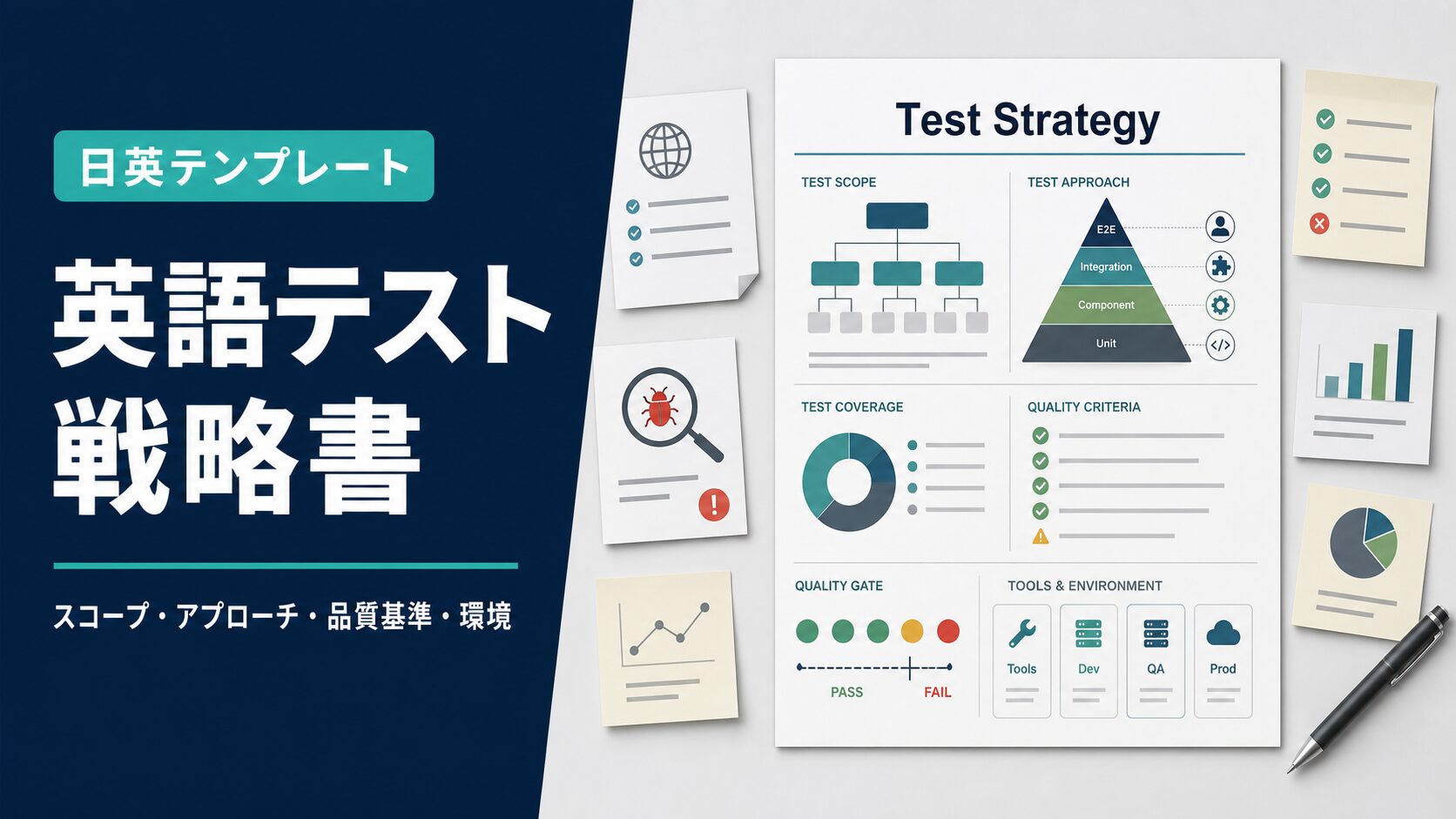
テスト戦略書はプロジェクトの「品質保証の全体設計図」だ。テストチームだけでなく、開発チーム・PM・ステークホルダー全員が品質目標と達成方法を共有するための文書に当たる。以下の4つが実務で使いやすい構成要素になる。
- テストスコープ(Test Scope)
- テストアプローチ(Test Approach)
- 品質基準(Quality Criteria)
- ツールと環境(Tools and Environments)
テスト戦略書とテスト計画書の違い
テスト計画書は「テストのスケジュール・担当者・テストケース・進捗管理方法」を定める実行レベルの文書だ。テスト戦略書は「なぜこのテスト手法を選ぶか・品質の目標値は何か・自動化をどう活用するか」という方針レベルの文書に当たる。戦略書は計画書の上位に位置し、プロジェクト全体を通じて変わらない方針を定める。
なぜテスト戦略書が必要か
テスト戦略書がないと、テストチームごとに手法や観点がバラバラになる。単体テスト・結合テスト・システムテスト・UATが互いの前提条件を共有せずに進み、抜け漏れや重複が生じやすい。戦略書を整備することで「このプロジェクトは何を品質とみなすか」が全員に共有され、テスト全体の一貫性が保たれる。
テンプレートをダウンロード(Word)
以下のWordファイルをダウンロードして、プロジェクトに合わせてカスタマイズして使ってほしい。表の列・行はそのまま追加・削除できる。
📥 日本語テンプレートをダウンロード(Word)
📥 Download English Template (Word)
日本語版テンプレート(コピペOK)
基本情報
| 項目 | 内容 |
|---|
| プロジェクト名 | (例:〇〇システム開発プロジェクト) |
| 作成者 | (例:田中(QAリード)) |
| 作成日 | (例:2026年7月11日) |
| バージョン | v1.0 |
| 対象リリース | (例:v1.0、2026年12月リリース) |
テストスコープ(Test Scope)
テスト対象(In Scope)
| # | テスト対象 | テスト種別 |
|---|
| 1 | ユーザー認証・認可機能 | 機能テスト・セキュリティテスト |
| 2 | 注文管理機能(作成・更新・キャンセル) | 機能テスト・回帰テスト |
| 3 | 決済処理フロー | 機能テスト・統合テスト |
| 4 | 外部API連携(決済サービス・配送サービス) | 統合テスト・E2Eテスト |
| 5 | パフォーマンス(同時接続1,000ユーザー時の応答時間) | 性能テスト |
| 6 | モバイル対応(iOS/Android最新2バージョン) | 互換性テスト |
テスト対象外(Out of Scope)
| # | 対象外項目 | 理由 |
|---|
| 1 | 移行元レガシーシステムのバグ修正 | 移行プロジェクトのスコープ外 |
| 2 | 社内管理者向け機能(v2.0にて対応予定) | 本リリースのスコープ外 |
| 3 | ブラウザIE11のサポート | サポート終了済みのため対象外 |
テストアプローチ(Test Approach)
テストレベルとアプローチ
| テストレベル | 担当 | タイミング | アプローチ | 自動化 |
|---|
| 単体テスト | 開発者 | 実装中(継続的) | ユニットテストフレームワークで関数・メソッドレベルを検証 | Jest/pytest(自動化率80%以上目標) |
| 統合テスト | 開発者・QA | スプリント毎 | コンポーネント間の連携・API統合を検証 | Postman Collection(自動化率60%以上目標) |
| システムテスト | QAチーム | リリース2週間前〜 | エンドツーエンドのシナリオテストを実施 | Selenium/Playwright(主要シナリオを自動化) |
| UAT | 業務部門ユーザー | リリース1週間前 | 実際の業務シナリオで受入テストを実施 | 手動 |
| 回帰テスト | QAチーム | リリース毎・バグ修正後 | 既存機能への影響を確認 | 自動化スイートで実行 |
| 性能テスト | インフラ・QA | リリース2週間前 | 同時接続負荷テスト・スパイクテストを実施 | k6/JMeter |
テスト優先度の考え方
| 優先度 | 対象 | 基準 |
|---|
| P0(最高) | 決済・認証・データ整合性 | 障害発生時のビジネスへの影響が最大 |
| P1(高) | コアビジネス機能(注文・在庫・配送) | 主要業務フローに直接影響 |
| P2(中) | 補助機能(検索・フィルタ・レポート) | 業務は継続できるが効率が落ちる |
| P3(低) | UIの細部・非機能的な表示上の問題 | ビジネスへの影響が軽微 |
品質基準(Quality Criteria)
開始基準(Entry Criteria)
| テストレベル | 開始基準 |
|---|
| 統合テスト | 単体テストカバレッジが80%以上・Critical/Highバグがゼロ |
| システムテスト | 統合テスト完了・テスト環境が本番同等構成で稼働中 |
| UAT | システムテストの合格基準を達成・テストデータ準備完了 |
終了基準(Exit Criteria)
| テストレベル | 終了基準 |
|---|
| 統合テスト | 全テストケースを実行・P0/P1バグがゼロ・P2バグは修正計画あり |
| システムテスト | 計画したシナリオを100%実行・P0バグゼロ・P1バグゼロ・P2バグ修正済み |
| UAT | 業務部門責任者の受入承認取得・P0/P1バグゼロ |
バグ重大度定義
| 重大度 | 定義 | 例 | リリース判断 |
|---|
| Critical | システムクラッシュ・データ消失・セキュリティ脆弱性 | ログインできない・決済エラー | リリース不可 |
| High | 主要機能が使用不能・代替手段なし | 注文確定ができない | リリース不可 |
| Medium | 機能制限あり・代替手段あり | 検索結果の並び順が正しくない | 修正計画があればリリース可 |
| Low | UIの軽微な問題・表示崩れ | ボタンの配置がズレている | 次バージョンで修正可 |
ツールと環境(Tools and Environments)
テストツール一覧
| カテゴリ | ツール名 | 用途 |
|---|
| 単体テスト | Jest(フロントエンド)・pytest(バックエンド) | コードレベルのテスト自動化 |
| APIテスト | Postman・Newman | API機能テスト・自動化 |
| E2Eテスト | Playwright | ブラウザE2Eテスト自動化 |
| 性能テスト | k6 | 負荷テスト・スパイクテスト |
| テスト管理 | TestRail | テストケース管理・結果追跡 |
| バグ管理 | Jira | バグチケット管理・追跡 |
| CI/CD統合 | GitHub Actions | テスト自動実行・レポート生成 |
テスト環境定義
| 環境名 | 目的 | 構成 | データ |
|---|
| 開発環境(DEV) | 開発中のユニット・統合テスト | ローカル/コンテナ | モックデータ |
| テスト環境(QA) | システムテスト・回帰テスト | 本番同等(スケールダウン) | 匿名化した本番データ |
| ステージング環境(STG) | UAT・性能テスト・最終確認 | 本番同等 | 本番同等のデータ量 |
| 本番環境(PROD) | スモークテスト(リリース直後) | 本番 | 実データ |
英語版テンプレート(コピペOK)
Basic Information
| Item | Details |
|---|
| Project Name | (e.g., [System] Development Project) |
| Prepared By | (e.g., Tanaka, QA Lead) |
| Date | (e.g., July 11, 2026) |
| Version | v1.0 |
| Target Release | (e.g., v1.0, December 2026 release) |
Test Scope
In Scope
| # | Test Target | Test Types |
|---|
| 1 | User authentication and authorization | Functional, security testing |
| 2 | Order management (create, update, cancel) | Functional, regression testing |
| 3 | Payment processing flow | Functional, integration testing |
| 4 | External API integrations (payment, shipping) | Integration, E2E testing |
| 5 | Performance (response time under 1,000 concurrent users) | Performance testing |
| 6 | Mobile compatibility (latest 2 versions of iOS/Android) | Compatibility testing |
Out of Scope
| # | Excluded Item | Reason |
|---|
| 1 | Bug fixes in legacy system | Outside migration project scope |
| 2 | Admin features (planned for v2.0) | Outside current release scope |
| 3 | IE11 browser support | End-of-life; not supported |
Test Approach
Test Levels and Approach
| Test Level | Owner | Timing | Approach | Automation |
|---|
| Unit testing | Developers | During development (continuous) | Verify functions and methods with unit test framework | Jest/pytest (target: 80%+ automation rate) |
| Integration testing | Developers + QA | Per sprint | Verify component interactions and API integration | Postman Collection (target: 60%+ automation rate) |
| System testing | QA team | 2 weeks before release | Execute end-to-end scenario tests | Selenium/Playwright (automate key scenarios) |
| UAT | Business users | 1 week before release | Acceptance testing using real business scenarios | Manual |
| Regression testing | QA team | Per release and after bug fixes | Verify no impact on existing features | Automated test suite |
| Performance testing | Infra + QA | 2 weeks before release | Concurrent load testing and spike testing | k6/JMeter |
Test Priority Framework
| Priority | Target | Criteria |
|---|
| P0 (Critical) | Payment, authentication, data integrity | Maximum business impact if failure occurs |
| P1 (High) | Core business functions (orders, inventory, shipping) | Directly impacts primary business workflows |
| P2 (Medium) | Supporting features (search, filters, reports) | Business can continue but efficiency decreases |
| P3 (Low) | Minor UI issues, cosmetic defects | Minimal business impact |
Quality Criteria
Entry Criteria
| Test Level | Entry Criteria |
|---|
| Integration testing | Unit test coverage ≥ 80%; zero Critical/High bugs |
| System testing | Integration testing complete; test environment running in production-equivalent config |
| UAT | System testing exit criteria met; test data prepared |
Exit Criteria
| Test Level | Exit Criteria |
|---|
| Integration testing | 100% of test cases executed; zero P0/P1 bugs; P2 bugs have remediation plans |
| System testing | 100% of planned scenarios executed; zero P0 and P1 bugs; P2 bugs resolved |
| UAT | Business owner sign-off obtained; zero P0/P1 bugs |
Defect Severity Definitions
| Severity | Definition | Example | Release Impact |
|---|
| Critical | System crash, data loss, security vulnerability | Cannot log in; payment error | Release blocked |
| High | Core feature unusable, no workaround | Cannot place an order | Release blocked |
| Medium | Feature limited but workaround available | Search results in wrong order | Releasable with fix plan |
| Low | Minor UI issue, cosmetic defect | Button slightly misaligned | Fix in next release |
Tools and Environments
Test Tool Stack
| Category | Tool | Purpose |
|---|
| Unit testing | Jest (frontend) / pytest (backend) | Code-level test automation |
| API testing | Postman / Newman | API functional testing and automation |
| E2E testing | Playwright | Browser E2E test automation |
| Performance testing | k6 | Load testing and spike testing |
| Test management | TestRail | Test case management and result tracking |
| Bug tracking | Jira | Bug ticket management and tracking |
| CI/CD integration | GitHub Actions | Automated test execution and reporting |
Test Environment Definitions
| Environment | Purpose | Configuration | Data |
|---|
| Development (DEV) | Unit and integration testing during development | Local/container | Mock data |
| Test (QA) | System testing and regression testing | Production-equivalent (scaled down) | Anonymized production data |
| Staging (STG) | UAT, performance testing, final validation | Production-equivalent | Production-scale data volume |
| Production (PROD) | Smoke testing immediately after release | Production | Live data |
各セクションの書き方と例文
テンプレートを埋めるときに悩みやすいポイントを解説する。
「Out of Scope」を明示することが重要
テスト戦略書で見落とされがちなのが「テスト対象外の明示」だ。何をテストしないかを定めることで、後から「なぜこの機能をテストしなかったのか」という議論を防げる。対象外にする理由(スコープ外・サポート終了・次バージョン対応)を一言添えることで、ステークホルダーの合意が取りやすくなる。
自動化の目標値を数値で設定する
「テストを自動化する」という方針だけでは実行できない。単体テストのカバレッジ80%・回帰テストの自動化率90%という数値目標があることで、開発チームとQAチームの共通認識が生まれ、CI/CDパイプラインへの組み込みも計画しやすくなる。
テスト計画書でテスト戦略書に定めた方針を具体的なスケジュール・担当者・テストケースに落とし込むことで、品質保証の全体像が完成する。英語テスト計画書の書き方と合わせて整備してほしい。
テスト戦略書でよく使う英語表現
実務でよく使う英語表現を場面別にまとめた。
テスト方針・品質コミュニケーションフレーズ
| 日本語 | 英語 |
|---|
| リリース基準を満たしていません | The release criteria have not been met. |
| Critical/Highバグがゼロになるまでリリースできません | We cannot release until all Critical/High bugs are resolved. |
| テストカバレッジが目標を下回っています | Test coverage is below the target threshold. |
| 回帰テストを実行します | We will run the regression test suite. |
| この機能はテスト対象外です | This feature is out of scope for testing. |
バグ報告・エスカレーションフレーズ
| 日本語 | 英語 |
|---|
| Criticalバグが発見されました | A critical defect has been identified. |
| 修正の優先度を上げてください | Please prioritize the fix for this issue. |
| 再現手順を共有します | I will share the steps to reproduce this defect. |
| このバグのリリースへの影響を評価してください | Please assess the release impact of this bug. |
| バグが修正されたことを確認しました | I have verified that the bug has been resolved. |
まとめ:英語テスト戦略書は4つのセクションで完成する
英語テスト戦略書に必要な構成要素を整理した。
- テストスコープはIn ScopeとOut of Scopeを明示し、「何をテストしないか」をステークホルダーと合意することで、後からの範囲論争を防ぐ
- テストアプローチは単体・統合・システム・UATの各レベルで担当者・タイミング・自動化方針を定め、テスト活動全体を一貫した戦略の下で管理する
- 品質基準は開始基準・終了基準・バグ重大度定義を数値で明文化し、「リリース可能かどうか」を客観的に判断できる基準を設ける
- ツールと環境はテストスタックと環境定義を整理し、開発環境からステージングまでのテストインフラの役割分担を明確にする
テンプレートをコピーして、まず「テストスコープ」を確定することから始めてほしい。何をテストするかが決まれば、アプローチと品質基準が自然と固まる。
テスト戦略書で定めた品質基準をテスト結果報告書で実績として記録することで、リリース判断の根拠が透明になる。英語テスト結果報告書の書き方と合わせて活用してほしい。


コメント